
There are two convenience links on KTOO’s site to make it easier to download media from the WordPress media library:
- Media library link
- Embedded audio link
Media library link
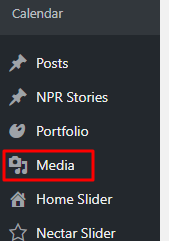
Select Media from the left-hand menu
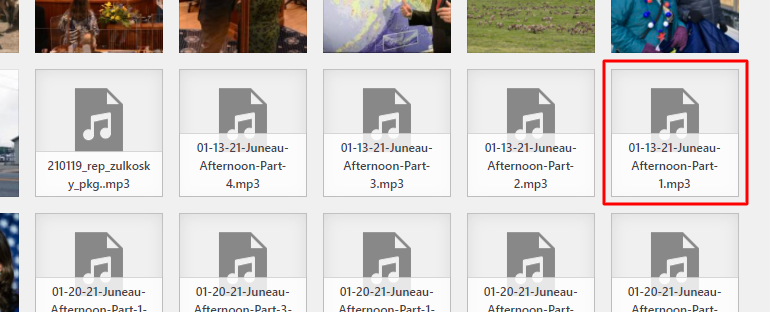
Click the file you want to download
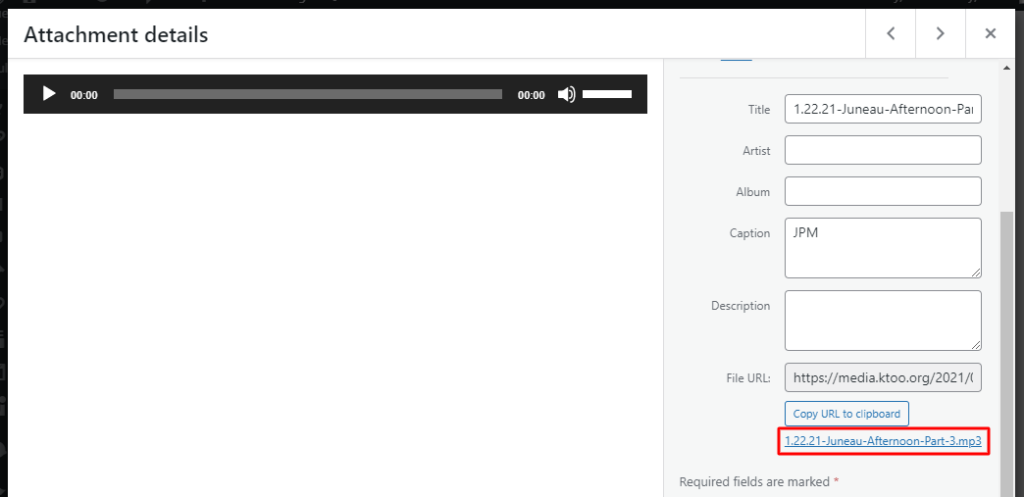
Find the direct link to the file on the right (under the URL)
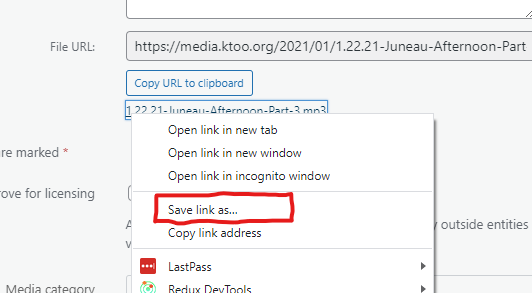
Right click on that link, and choose Save link as…
Choose a location on your computer and click Save as with any other file.
Embedded audio link
If you’re trying to download an audio file, you can also use a link under the embedded audio player while editing a post.
- Only works with the classic editor
- Only works for embedded audio
Select an audio player embedded in a post
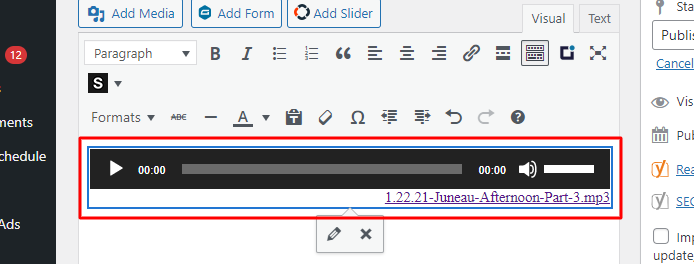
Right click on the link to the lower right of the audio player and select Save link as…
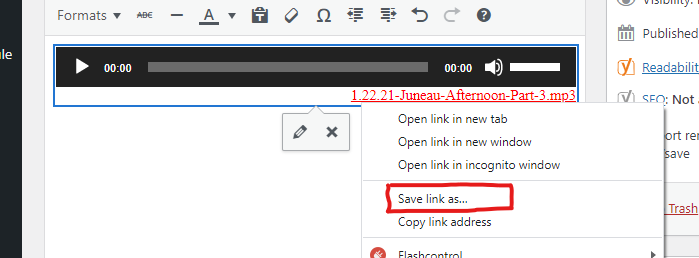
Choose a location on your computer and click Save as with any other file.