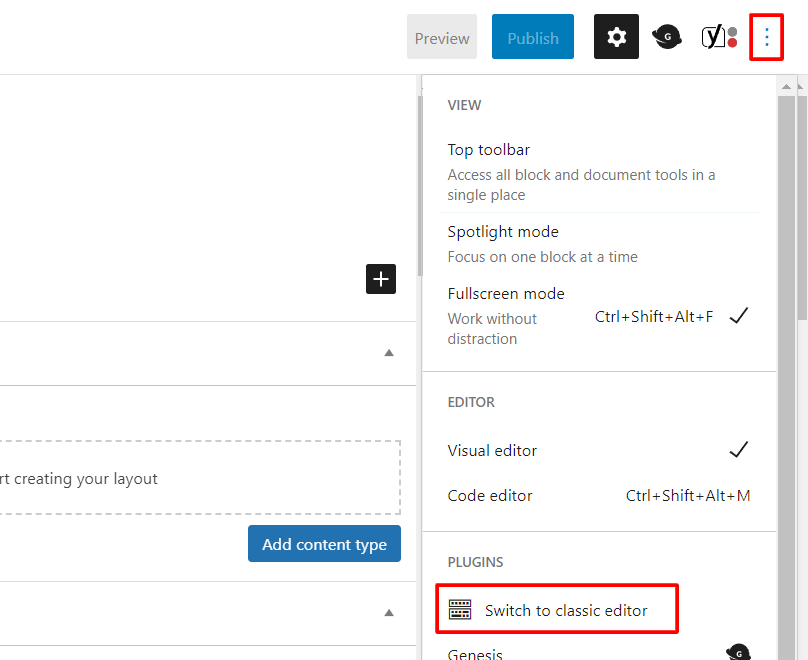
A couple of years ago, WordPress added a new editor for posts and pages, called the Block Editor.
We still have the Classic Editor enabled, and you can switch between them. (Some features only work in one or the other.)
Caution: While you can sometimes switch between editors on an existing post or page, it often doesn’t work well (for example, causing formatting problems or making it hard or impossible to edit existing content). It’s best to make the switch before you begin work on a post.
To switch from the Classic Editor to the Block Editor
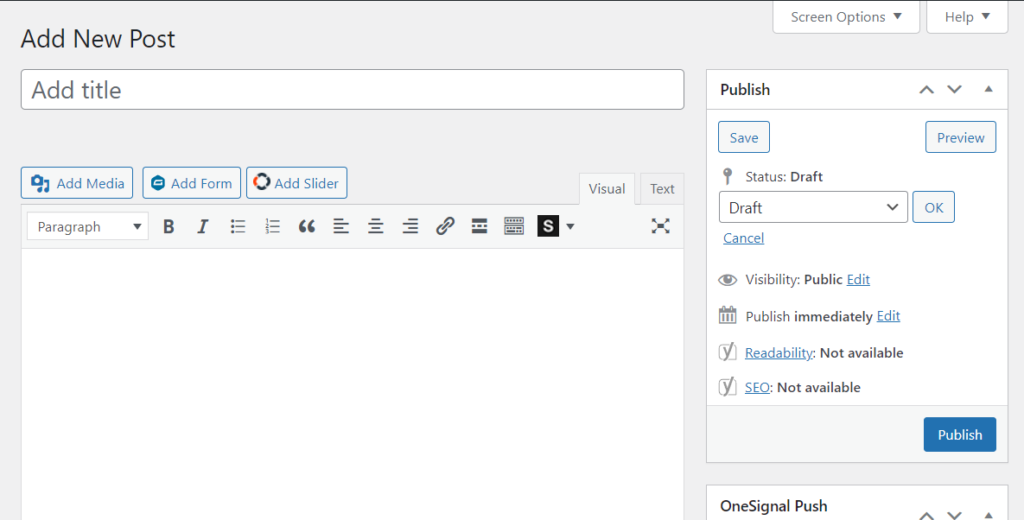
The Classic Editor looks something like this:
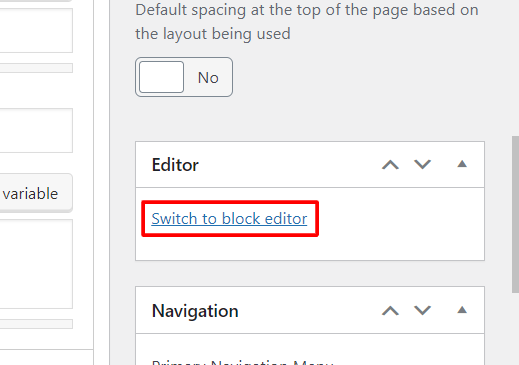
To switch to the Block Editor, find the Switch to block editor link, usually lower down in the right-hand column while editing a post.
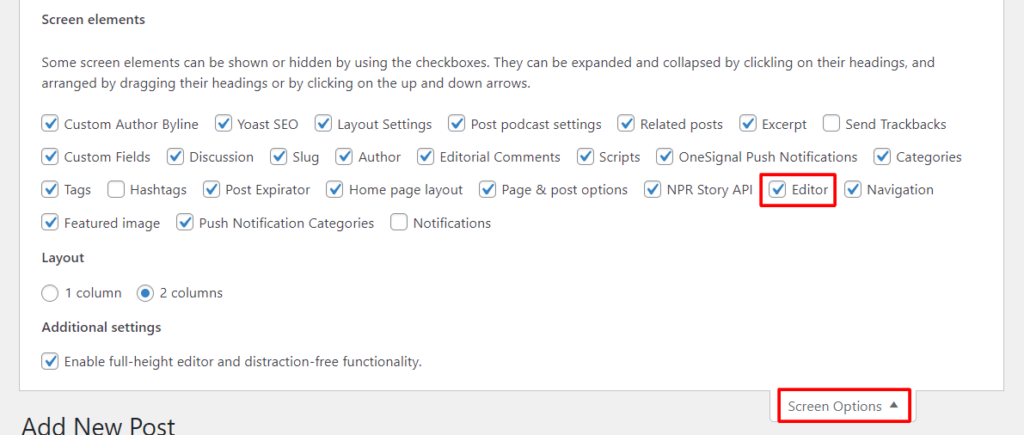
Tip: If you can’t find the Switch to block editor link, expand the Screen Options (in the upper right) and make sure Editor is checked.
Switch from the Block Editor to the Classic Editor
The block editor looks something like this:
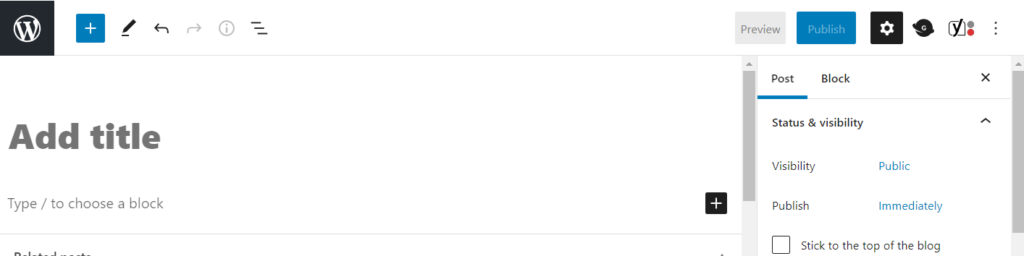
Click the icon in the upper right that looks like a vertical line of three dots, and click on Switch to classic editor in the dropdown menu.