
This article covers how to file newscasts to the KTOO News Update podcast. The podcast is fed by WordPress posts with the “newscast” category ticked.
Record your newscast, trim the ends and save an mp3 version. The file name doesn’t have to conform to any unusual standards. I recycle the file I push to NPR One.
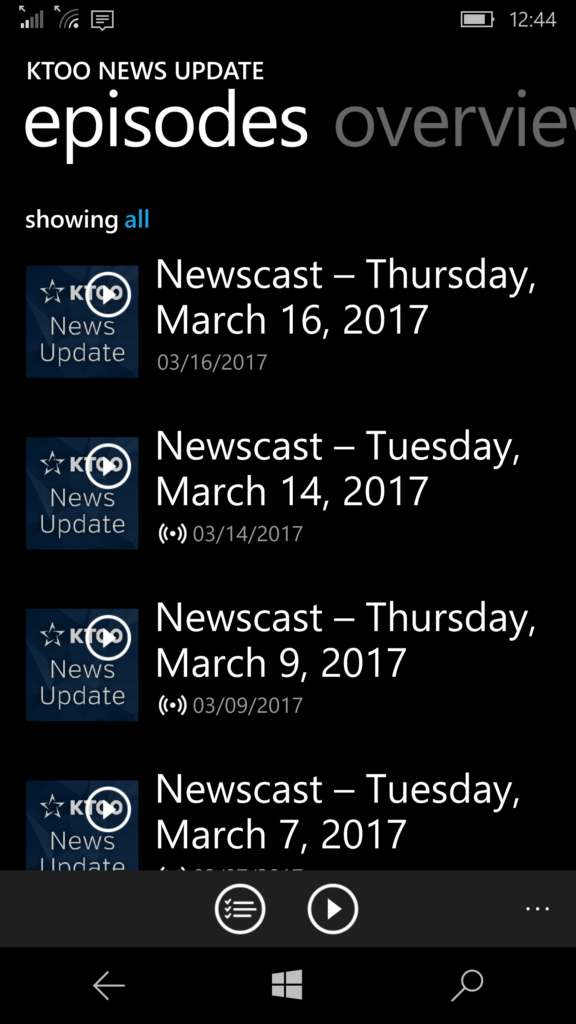
In WordPress, start a new post. Make the headline “Newscast – XXXday, Month, DD, YYYY”. Podcast apps read the headline as the name of that episode.

Click “Add Media” and upload your newscast. WordPress can have problems with duplicate file names, so I rename my NPR One newscast with the yyyymmdd date appended to the front of the file name before putting it in the media library. Insert the audio into the body of the post.

In the body of the post and in the excerpt, include a brief, bullet point run down of about three stories in the newscast.
Make the excerpt, “KTOO’s morning/midday/evening newscast for (day of week), (date), (year)” plus the bullet point run down, minus the bullet points. The excerpt shows up in podcast description.
Tick the Newscasts category.

It would
http://internalktoo.wpengine.com/how-to-file-a-newscast-as-a-ktoo-podcast/
Publish! Newscasts appear on the website, as an RSS feed, and go out to podcast subscribers.