
The User List block can automatically list registered users on the site (optionally filtered by Organization and/or Department).
Add the User List block from the add block (+) icon.
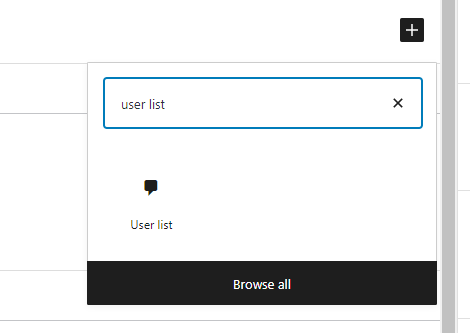
With the block selected, edit its settings.
To only show users assigned to certain organizations or departments, select them in the appropriate dropdowns (leaving organization blank will include all organizations; leaving departments blank will include all departments).
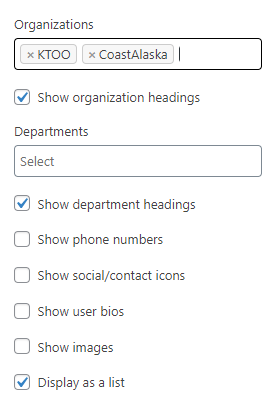
- Show department headings – Show the department name as a heading above users in each department
- Show phone numbers – Show phone numbers for any users who have entered one next to their name
- Show social/contact icons – Show social media icons (linking to the users account) for any social fields the users has filled in; show the email icon linking to the contact form for any users who have this option enabled
- Show user bios – Show the full “Biographical Info” field for each user who has one filled in
- Show images – Show the image for any users who have one set
- Display as list – Show the users as a bulleted list (this works for brief lists, such as just names, but the layout works better if you turn this off when more user fields are shown, especially if you show bios or images)